

Steps to close your account
Considering Closing Your BharatPe Account ☹️?
We're here to help! While we'd be sad to see you go, we understand.
Before you proceed, let's ensure a smooth closure:
👉 Account Balance:
Transfer any remaining funds to your linked bank account.
👉 QR Codes:
Cancel any active QR orders to avoid future charges.
👉 Hardware:
If you have a BharatPe Speaker or Swipe device, please return it and clear any outstanding dues. With that, cancel any active speaker or swipe orders.
👉 Loans:
Close all active loans (Easy Loan or Gold Loan) linked to your BharatPe account.
👉 Investments:
Withdraw your entire investment balance before closing your account.
👉Card Dues:
Ensure all pending card dues are settled before closing your account.
Ready to Close?
Once you've completed these steps, use the BharatPe for Business app or website to initiate account deletion.
We appreciate your business!
Before you close your account, here are some things you should know:
Closing your account unlinks your phone number and the associated login ID and password are no longer valid. Effectively, you cannot login/sign up to BharatPe anymore with these tokens.
To comply with legal rules that apply to us about keeping records or information in which case we will retain your data for a minimum of 5 (five) years after your account has been terminated or longer depending on applicable laws.
Steps to Raise Account Deletion Request via BharatPe for Business App:
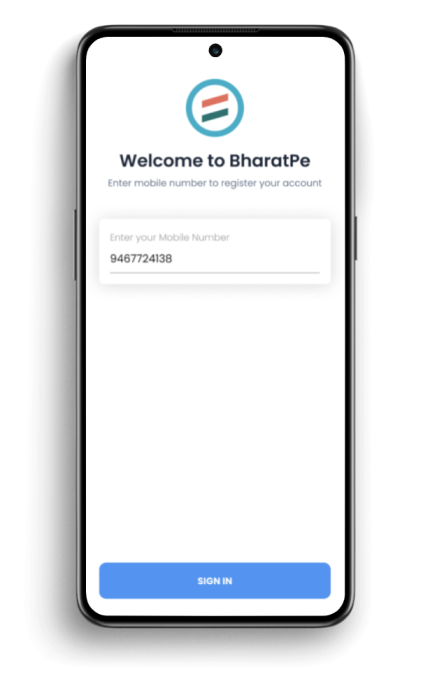
Step 1: Login to BharatPe app with your phone number
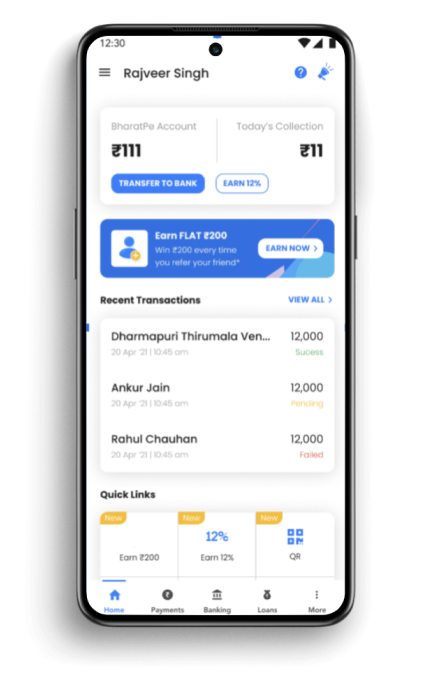
Step 2: On the home screen, click on "☰" at the top left corner
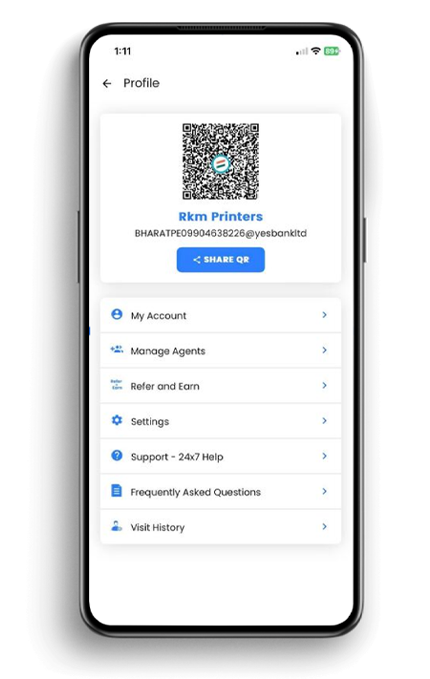
Step 3: Go to "Settings"
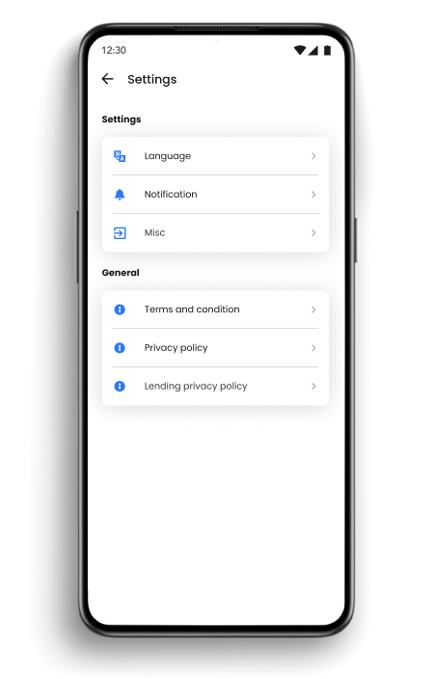
Step 4: Go to "Misc"
Step 5: Select 'Delete account'
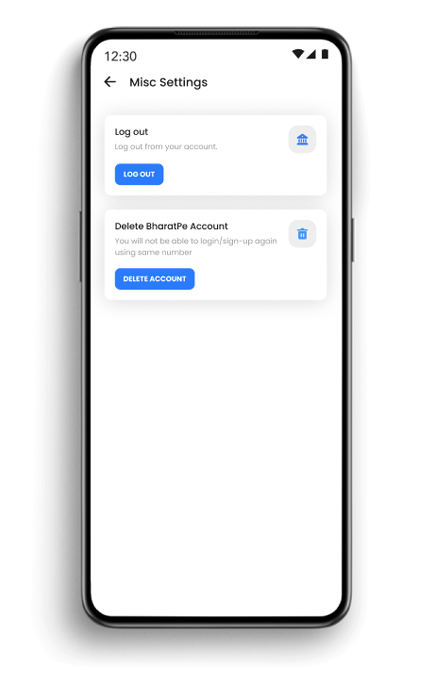
Step 6: Click on "Delete account" to raise a request
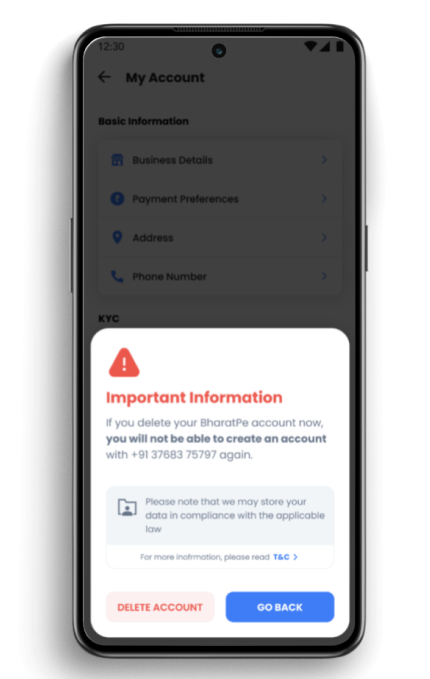
Step 7: Enter OTP to confirm the request
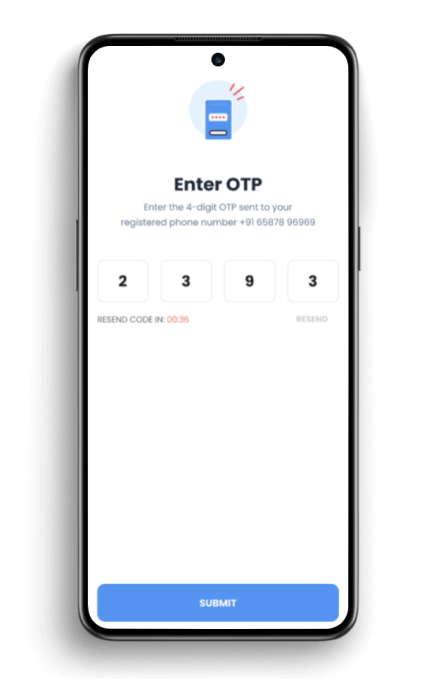
We will verify the request and close your account.
Steps to Raise Account Deletion Request via BharatPe Website
Step 1: Click on "Login" on the top right-hand corner of the BharatPe website.
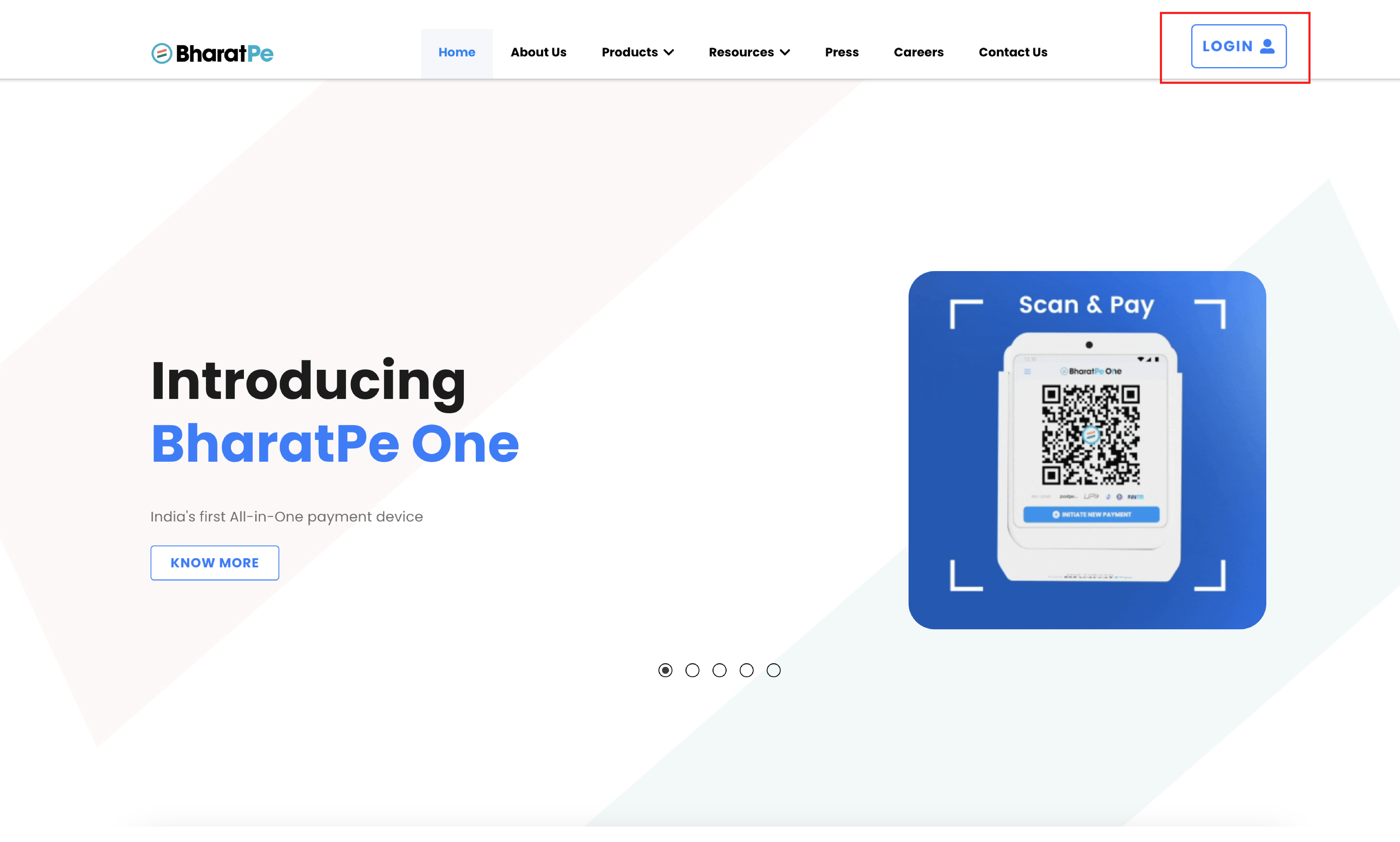
Step 2: Login to the BharatPe dashboard using the 'Login with OTP' flow.
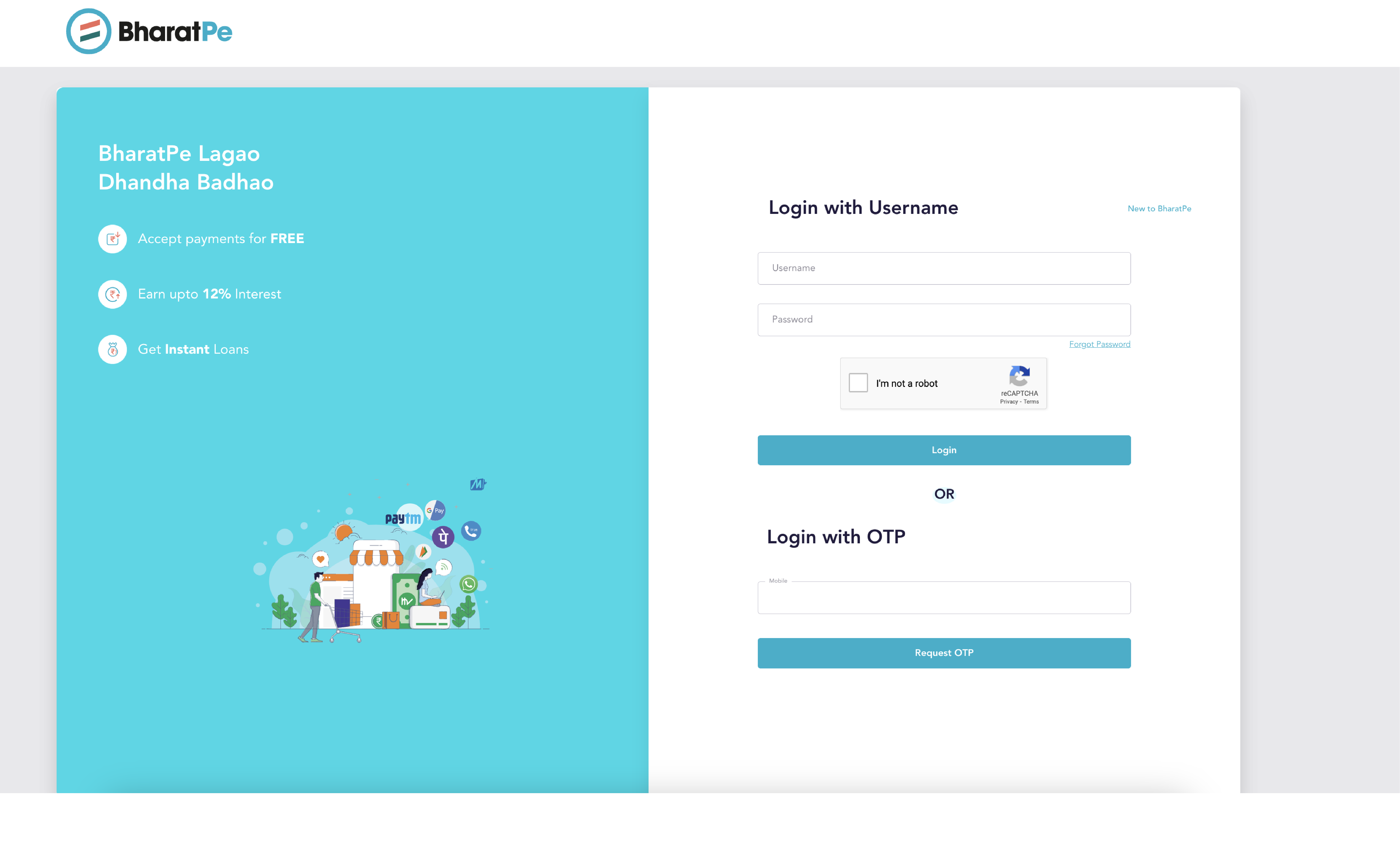
Step 3: Click on the "Menu" icon.
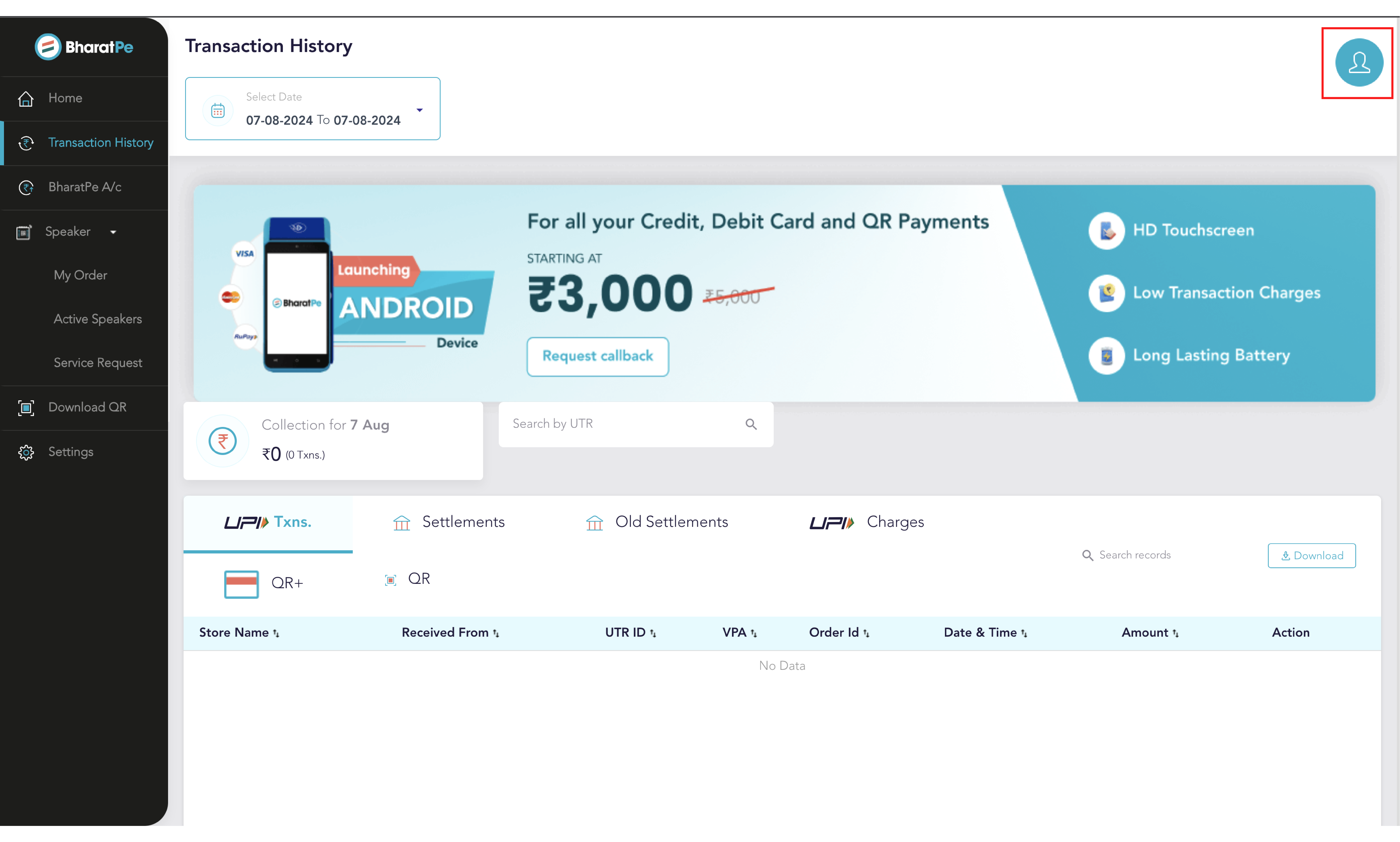
Step 4: Select "Delete account."
Step 5: Click on 'Delete account' to raise a request.
Step 6: Enter OTP to confirm the request.
We will verify the request and close your account.
We appreciate your business!